AI API key security has mostly been treated as a developer chore, something that lives in a README somewhere. Last weekend made it everyone's problem. On October 17, 2026, the team behind OpenCode, an open-source AI coding agent, said a breach had affected 1.4% of users of its hosted OpenCode Console, a subset who had linked their own AI provider keys. Overnight, some of those users watched their OpenAI, Anthropic and Google usage spike.
I saw my Open AI, Anthropic, and Google AI spend alerts all fire off before going to bed wondering what was going on.
An affected developer, quoted by TechCrunch
Here's my argument up front. The attackers are to blame for the attack. But how much damage one breach can do depends on a design choice most of us made without thinking about it: letting a third party hold our keys. This article covers what happened, what's still unknown, and a checklist for taking custody back.
Keep the keys, data, models and prompt assets that matter in places you control. Give every tool its own limited key. Set hard spend limits. Assume any copy of a key stored somewhere else can leak.
What happened in the OpenCode Console breach?
I've stuck to what's reported by multiple outlets or stated by the companies involved. As of October 21, 2026, OpenCode says the incident is ongoing, so details may change.
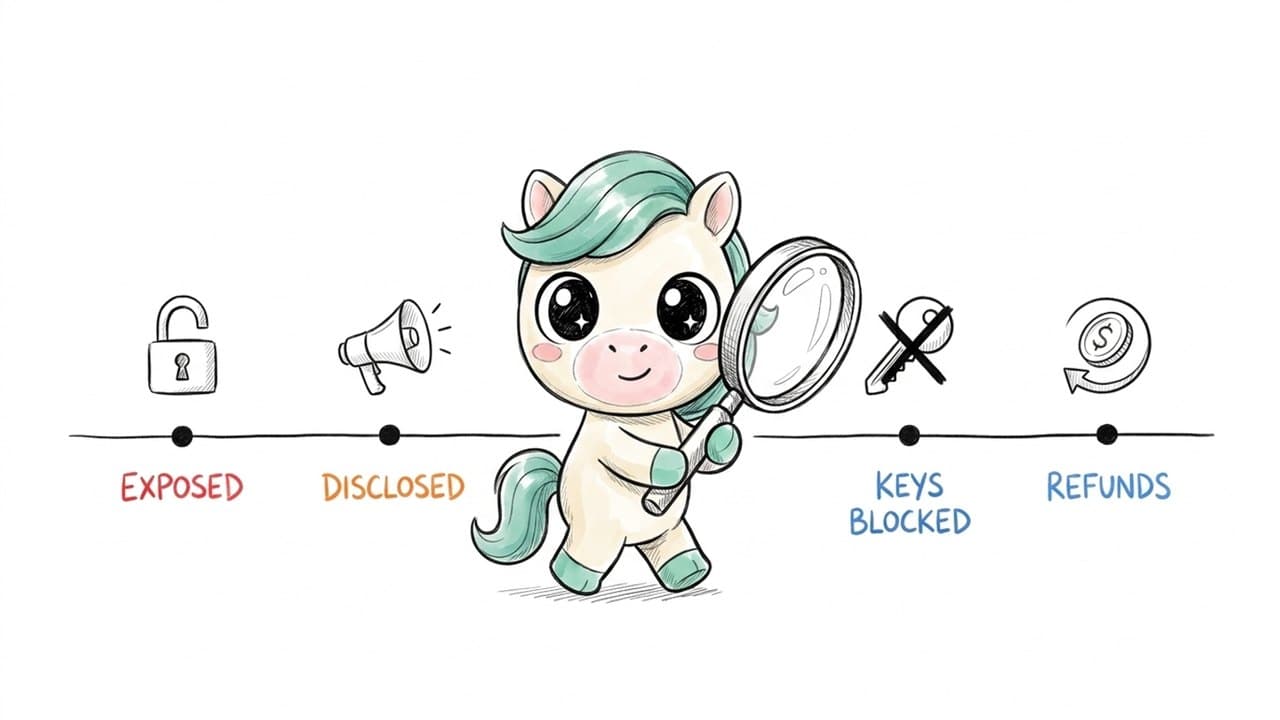
What's confirmed (company statements, reported by TechCrunch and BleepingComputer): OpenCode said it "had a security breach last night related to a large-scale distillation attack that impacted 1.4% of OpenCode Console users." Only users who had linked external providers were affected, and they were notified by email. According to TechCrunch, attackers "broke into an older system." OpenCode's email to affected users, as reported by BleepingComputer, gave the earliest possible exposure of keys as October 17, 2026, 00:30 UTC and said no other data appeared to have been exposed. The exposed keys were confined to Console, where some users stored them in workspaces. Co-founder Dax Raad wrote that the open-source app and command-line tool were not affected: "Note this is the OpenCode Console, not OpenCode itself, those keys never come to us." Anthropic and Google blocked API keys they believed were exposed. OpenAI said it worked with OpenCode to restore access and refund API customers for credits used in the attack. OpenCode said refunds for unauthorized charges were underway. OpenCode has told affected users to revoke and replace their keys directly with each provider. It hasn't detailed how attackers got in or how keys were stored.
What's reported by users but not confirmed by OpenCode: Unauthorized charges ranged from several hundred dollars to about $1,700, according to user reports cited by BleepingComputer. TechCrunch reported "a few described totals above $1,000." Some users said Google suspended their cloud projects after detecting "abusive activity consistent with hijacked resources."
What's still unknown: how the legacy system was accessed, how the keys were stored, when the exposure ended, and what exactly "distillation attack" means here. (Distillation is a legitimate way to train smaller models on a bigger model's outputs. It becomes abuse when someone does it at scale with stolen access.) TechCrunch noted that some skeptics think the distillation framing is a stretch.
What is an API key, and why is a leaked one so expensive?
An API key is a long secret string that lets software use an AI service on your account. If you've ever pasted one into an app's settings so it could "use your own OpenAI account," you've handed over a key. The simplest way to think about it: an API key is a prepaid card number with no PIN. Anyone who has it can spend your credit, as fast as their scripts can run. OpenAI's own guidance puts it plainly: a compromised key lets someone "gain access to your account quota, without your consent," which can lead to "data loss, unexpected charges, a depletion of your monthly quota, and interruption in your API access."
AI keys hurt more than many other credentials because: usage is metered and fast, automated abuse can burn through a balance in hours; the abuse can be valuable to the attacker, large volumes of model output are worth something to people who want to train other models, which is one reading of the "distillation" framing here; one key often works everywhere, if you used the same key in five tools, a leak from any one of them exposes all five.
Is this a hacker problem or a custody problem?
Both. But only one of them is something you can fix. You can't stop a determined attacker from going after a platform. What you can control is how many platforms hold your keys, and how much each key is allowed to do.
Look at the detail that the OpenCode app's local keys "never come to us." Users who kept their keys in local configuration weren't part of this incident. Users who saved keys into a hosted workspace were. It's the same product and the same company, and the outcome depended on where the key was stored.
Every copy of your key that lives on someone else's server is a copy you can't protect.
I want to be fair here. Hosted consoles exist for good reasons: syncing across devices, team sharing, not having to fiddle with config files. Self-custody has its own failure modes, which I cover below. But convenience has a cost that's easy to forget until a spend alert goes off at midnight.
The AI asset self-custody checklist
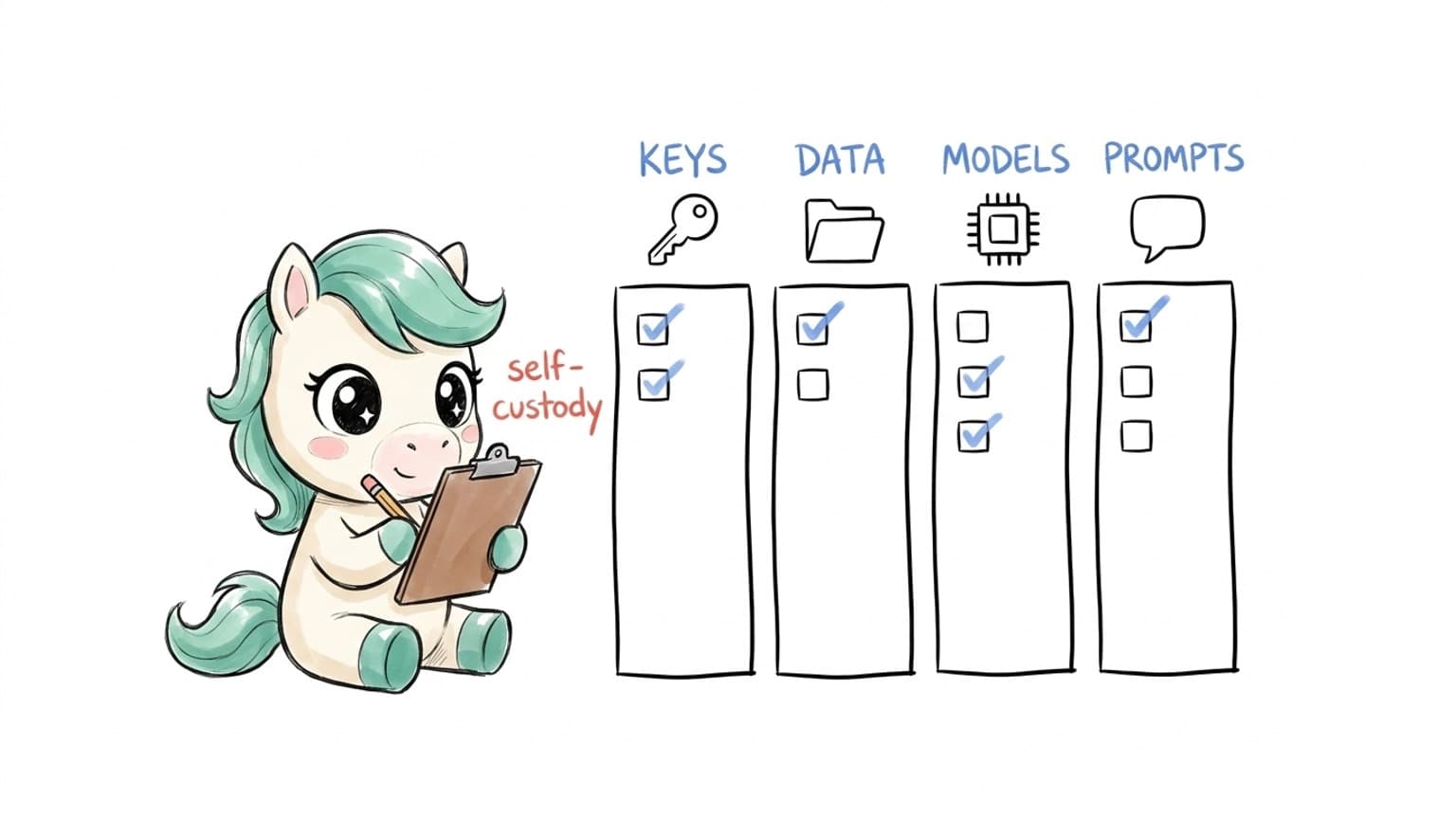
I split this into four areas: keys, data, models and prompt or creative assets. You won't need all of it. Go through it once, tick what applies, and come back in a month.
1. Keys
List every place that holds one of your keys. Include desktop apps, browser extensions, hosted consoles, automation tools and old projects. Most people find more than they expected. One key per tool, and per person. OpenAI's guidance says to use a unique key for each team member and notes that sharing keys is against its terms. Separate keys mean that when one leaks, you know exactly which one to kill. Set hard spend limits, not just alerts. OpenAI's help center is explicit: set monthly spend limits and "enable hard enforcement," because "spend alerts alone don't stop API traffic." Do the equivalent at every provider that offers it. Give keys an expiry date and a rotation habit. OpenAI recommends keys with expiration dates and a regular rotation process. OWASP's secrets guidance says the same thing more generally: rotate regularly "so that any stolen credentials will only work for a short time." Never put a key in a browser, a mobile app or a code repository. All three are common ways keys leak, according to OpenAI's guidance. Prefer a password manager or secrets manager over plain text files. OpenAI recommends environment variables or a key management service. For containers and servers, OWASP notes that environment variables can end up in logs and dumps, so a dedicated secrets manager is better there. Paste a key into a hosted service only when you really need to. If you do, make it a fresh, limited key used only there. Revoke what you don't use. That trial tool from February doesn't need a live key.
2. Data
Map which tools see your prompts, files and outputs, and which of them store those on their own servers. Check retention settings. How long is history kept, and can you turn it off? Keep sensitive material (client contracts, unreleased footage, financials) in storage you control. Use the cloud for it only when the task really needs it. Make sure you can export. If you can't get your data out, you don't fully own it.
3. Models
Run locally whatever doesn't need a frontier cloud model. Every task that runs on your own hardware is one less key in use and one less copy of your data out in the world. Know which workflows depend on a single provider. If that provider blocks your key, as Anthropic and Google did with exposed keys in this incident, what stops working? Keep the option to swap models without rebuilding everything around them.
4. Prompt and creative assets
Store system prompts, templates and style guides in a place you control, ideally under version control, not only inside a platform's text box. Treat AI avatars and recurring characters as identity and IP. Keep their source assets (reference images, voice samples, personality notes) where you own them. Back up storyboards and project files outside any single AI tool.
What should you do if you think a key has leaked?
Speed matters more than perfection. The order below follows OWASP's incident-response guidance (revoke, rotate, delete, log), adapted for AI keys. Revoke the key at the provider. Do this first, before you investigate anything. Create a new key and update only the tools that need it. Scope it as narrowly as the provider allows. Remove the old key from wherever it was stored, including config files, notes and old projects. Review usage and billing at each provider from the earliest possible exposure time. Look for spikes, unfamiliar models or unusual hours. Contact provider support if you see unauthorized charges. In this incident, OpenAI refunded affected API customers, but don't assume refunds are automatic everywhere. Watch for follow-up phishing. Look-alike "verify your key" emails often follow a breach. Never paste a key into a form or reply. Write down what happened. Note which key, where it was stored and when you rotated it. Next time you'll be faster.
Why are AI creators especially exposed?
Developers have had years of warnings about keys in code. Creators and small marketing teams mostly haven't, and their setups tend to look different. A typical AI video or content workflow is a chain of separate tools: one for scripts, one for images, one for voice, one for video, one for captions, plus a scheduler. More and more of these offer a "bring your own key" option, because it's cheaper for the tool maker and often cheaper for you. Every one of them is a new place your key lives.
There's also less tooling around it. A developer might have a secrets manager and a habit of rotating keys. A freelance editor more likely has a key in a notes app, pasted into whatever needed it last. None of this is a criticism. It's how fast-moving creative work happens. But it means the self-custody checklist above probably matters more to a five-person content team than to a large engineering org with a security department.
| Minutes | Task | What you end up with |
|---|---|---|
| 0–10 | Open each AI provider's dashboard and list every active key | A full inventory |
| 10–15 | Match each key to the tool that uses it; mark any key you can't place | A list of keys to kill |
| 15–20 | Revoke unknown and unused keys | A smaller attack surface |
| 20–25 | Set a hard monthly limit and an alert at each provider | A cap on worst-case damage |
| 25–30 | Note in your calendar: rotate in 30 days | A habit, not a one-off |
If you only have ten minutes, do the hard limits. That step alone caps how bad a night like October 17 can get.
Who does this checklist matter for most?
The three scenarios below are illustrative composites, not real customers.
Scenario (illustrative): the freelance video creator with keys in five tools. Sam uses one OpenAI key in a script-writing app, a captioning plugin, a thumbnail generator, a hosted video platform and an old automation workflow. When news of a breach breaks, he can't tell which of the five might be affected, so he rotates the key and breaks all five at once on a deadline day. With one key per tool, he'd rotate one and keep working.
Scenario (illustrative): the four-person agency sharing a single key. Everyone at the agency uses the same Anthropic key, saved in a shared doc. Nobody knows who added it to which tool. When the bill spikes, there's no way to trace the source. Per-person keys and a hard monthly limit would have turned a mystery into a five-minute fix.
Scenario (illustrative): the solo founder with client contracts. Ana uses AI to review supplier contracts. Her worry isn't only the bill. It's that the contracts themselves sit in a hosted tool's history. Moving that review to a local model, and using the cloud only for general research, takes the most sensitive data out of the blast radius entirely.
What are the downsides of self-custody?
It would be easy to write "just keep everything local" and stop. That would be misleading. Your laptop can leak too. A key in a plain text file on a stolen or compromised machine is still a leaked key. Encrypt the disk and use a password manager. You become the security team. Rotation, backups and updates are now your job. If nobody owns them, they won't happen. Local models aren't always enough. Some tasks still need frontier cloud models. Self-custody is about choosing when to use them, not refusing them. Hosted tools can be well run. Some platforms invest heavily in protecting stored secrets. The point isn't that hosted is always bad. It's that each additional copy adds risk you can't see.
How does KarmaBox fit into this?
Disclosure again: this is my employer, so read this section with that in mind. KarmaBox is a Sovereign AI workspace built around AI avatars. Its design matches several items on the checklist above. Per KarmaBox's site: Data (files, memory, knowledge bases) "stay on your box or private cloud." Model: "Bring your own model, or run it on local GPUs," and swap models without changing your avatar. Permission boundary: actions like messaging, publishing, spending and deleting need your OK, and that rule is "enforced server-side, not left to a prompt."
In addition, KarmaBox can run video models locally, including restyling and smart generation. It offers Sovereign AI avatars so your AI identity stays yours, and cloud or local is always your choice. Its local sovereign mode currently focuses on two scenarios: work and video. What I won't claim: no tool, KarmaBox included, makes you breach-proof. A workspace you control shrinks how many places hold your keys and data. You still have to use the checklist.
Frequently asked questions
Q: What happened in the OpenCode Console breach?
A: OpenCode said a breach on the night of October 16 to 17, 2026 affected 1.4% of OpenCode Console users who had linked external AI provider keys. Exposed keys were abused for unauthorized usage. Providers blocked keys, OpenAI refunded affected API customers, and OpenCode said refunds were underway.
Q: Was the OpenCode app itself affected?
According to co-founder Dax Raad, no. The exposure was limited to the hosted Console. Keys used locally with the open-source app "never come to us."
Q: How much money did affected users lose?
A: OpenCode hasn't published figures. User reports cited by BleepingComputer ranged from several hundred dollars up to about $1,700.
Q: What's the most effective single step to protect an AI API key?
A: Set a hard spend limit at the provider. As OpenAI notes, alerts alone don't stop traffic. After that, use a separate key for each tool.
| Question | Short answer |
|---|---|
| Should I stop using hosted AI tools? | Not necessarily. Use them deliberately: a separate, limited key per tool, keep sensitive data out unless it's needed, and know how to revoke access fast. |
| What is AI asset self-custody? | Keeping your AI keys, data, models and prompt or creative assets in places you control, and delegating to third parties on purpose rather than by default. It's the practical side of sovereign AI. |
The bottom line
The OpenCode Console incident will probably be remembered for the "distillation attack" headline. I think the more useful lesson is in a smaller detail: keys that stayed local weren't touched.
You can't control who attacks a platform. You can control how many platforms hold your keys, how much each key can spend and how fast you can cut it off.
The keys that stayed local were the ones nothing happened to.