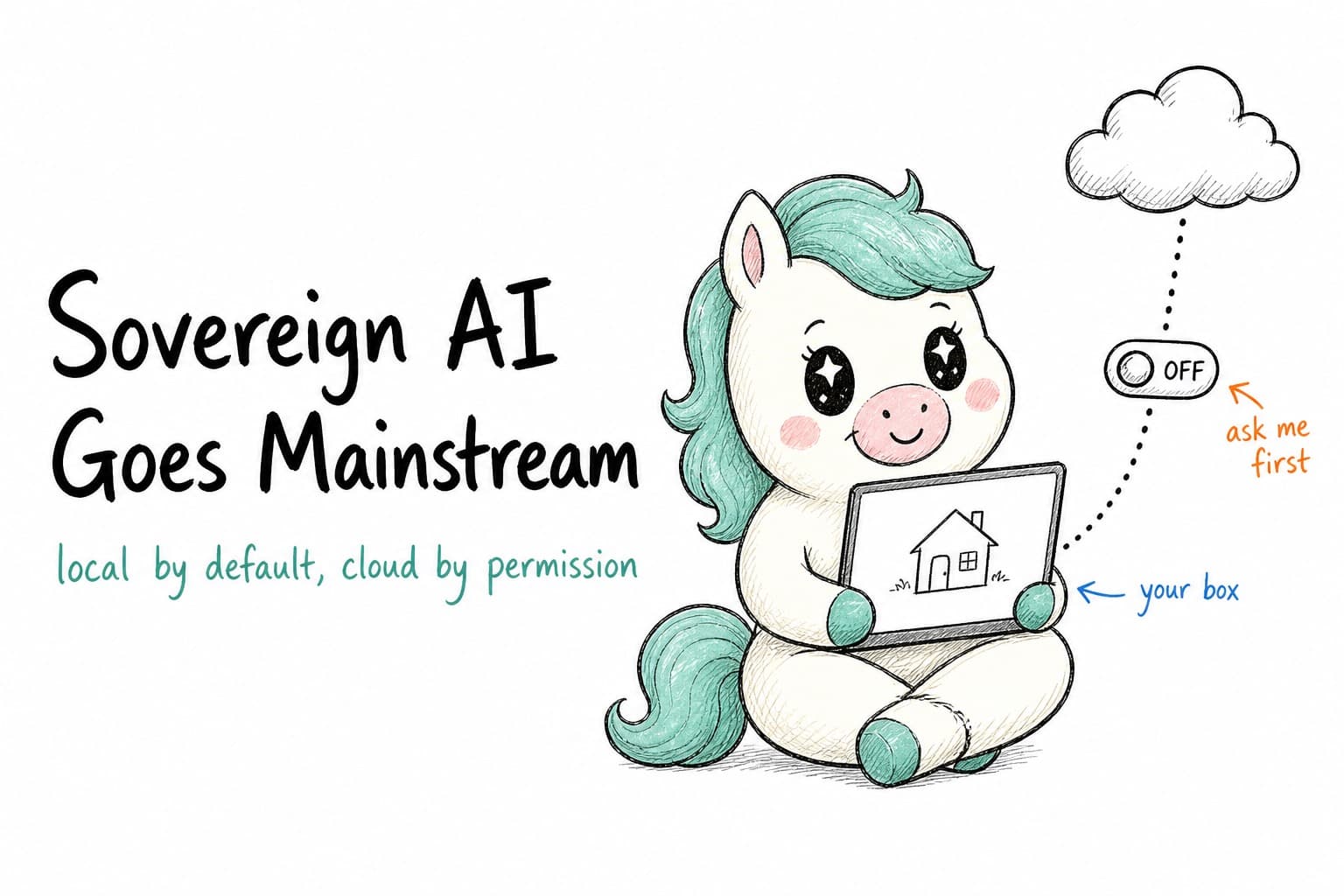
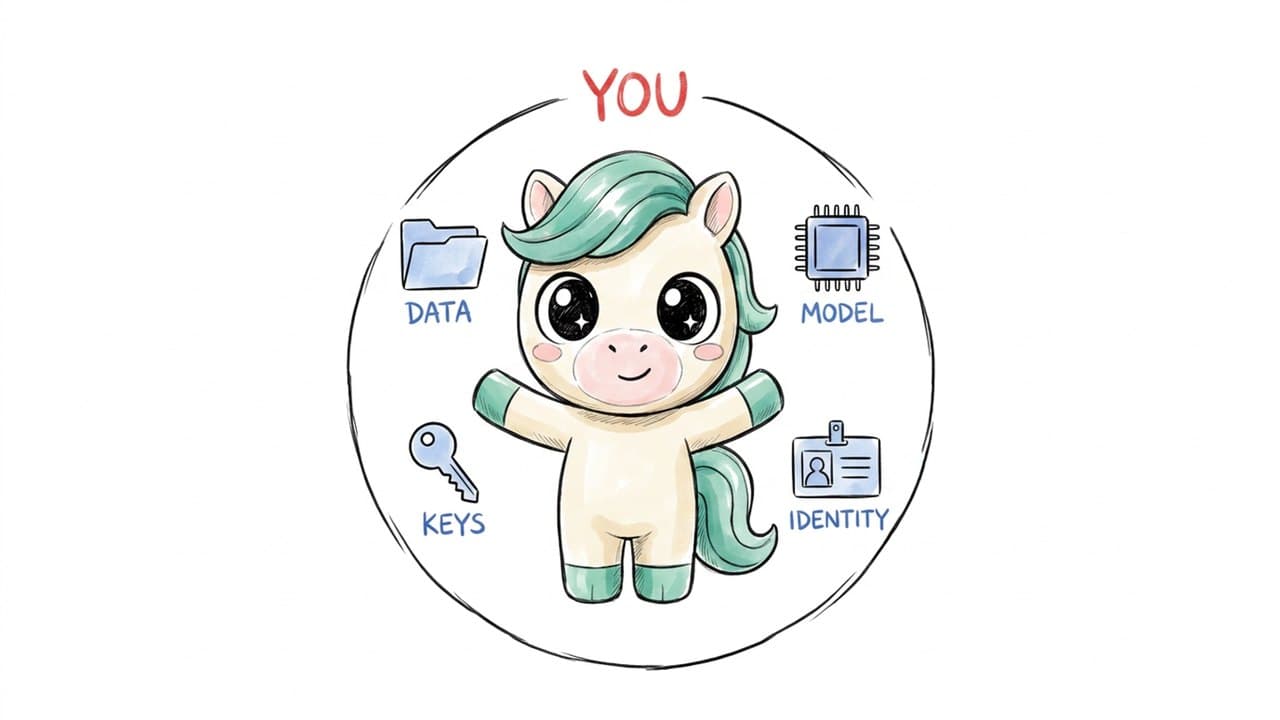
Sovereign AI means you, not a vendor, control four things: where your data lives, which model runs, which keys get used, and who your AI identity belongs to. For a long time that sounded like a niche idea for privacy hobbyists. On October 20, 2026, it got a lot less niche, because Perplexity shipped a mode that runs its Computer agent entirely on a Mac.
Most headlines led with "offline." That's the flashy part, and it's real. The line I'd underline is a quieter one: the cloud is now something the user grants permission for, instead of something that's simply assumed.
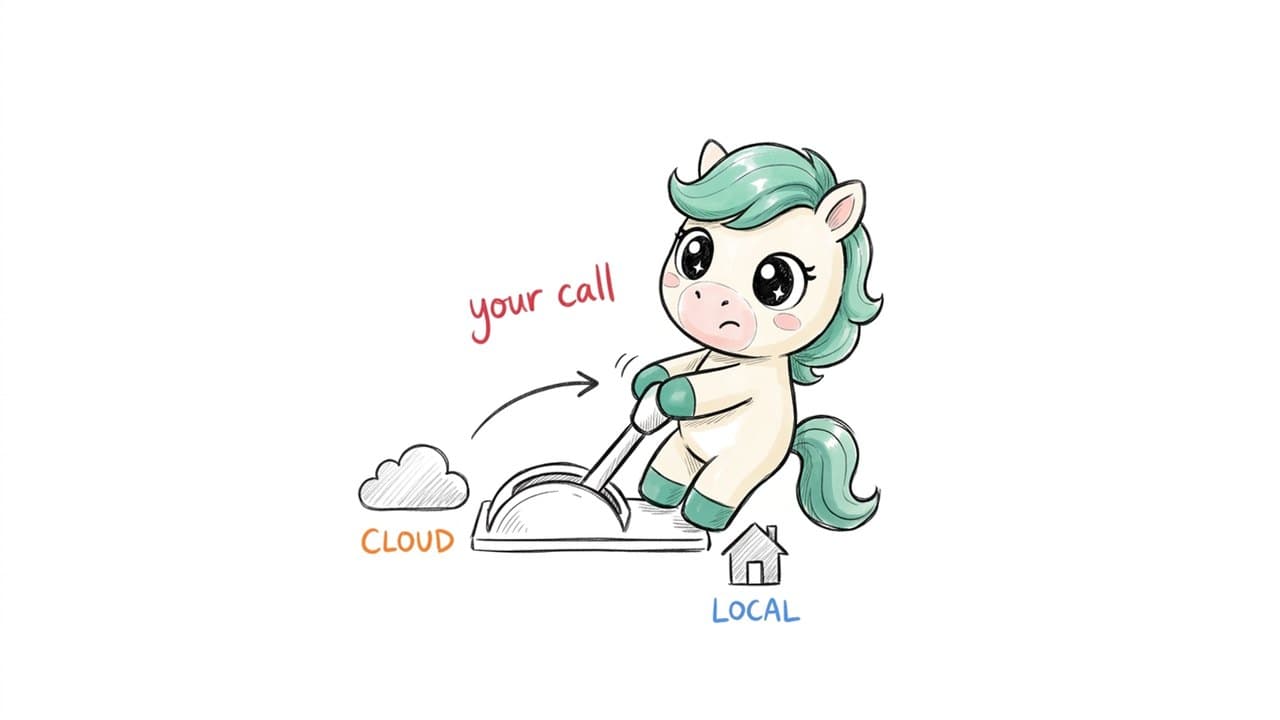
Perplexity's local mode is a signal that "local by default, cloud by permission" is becoming a mainstream product design. It doesn't make the cloud obsolete. It changes who gets to decide.
What exactly did Perplexity launch on October 20, 2026?
Here are the facts, kept apart from my commentary. According to Perplexity's own announcement, Computer can now run "fully local on Mac," which they describe as running "the AI model, harness, and task execution entirely on device." When the user grants permission, it can work across local files and Mac apps such as Notes and Mail "without sending personal data to the cloud."
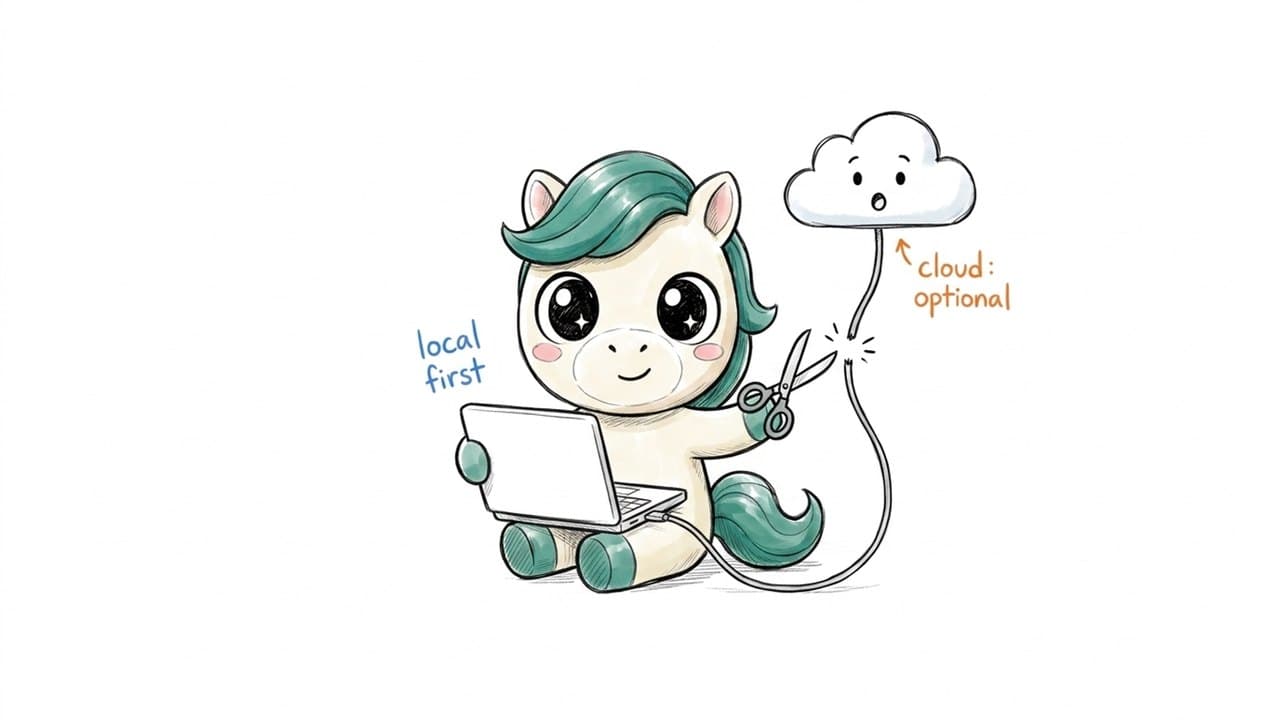
A few more details from the announcement and from 9to5Mac's coverage. There are two ways to run it: Hybrid Compute, launched in September, starts in the cloud and coordinates with local work on private files, while the new local mode starts on the Mac and keeps planning, reasoning and file processing on the device. It launches with two local models, Qwen 3.6 and PPLX Pro, which Perplexity describes as a post-trained version of Qwen, downloaded and set up inside the app. Cloud access is still available on request: users can authorize Computer to escalate to the cloud for current information, browser use and connected apps. It's currently available to Perplexity Pro, Max and Enterprise subscribers, in the Mac app, on supported Apple silicon Macs. On hardware, Perplexity recommends 36 GB or more of memory for running Computer locally.
One detail is easy to miss. Perplexity's post says running locally gives users "more control over sensitive data and credit spend." So privacy isn't the only reason given. Cost and control are part of the pitch too.
What is sovereign AI, in plain language?
Sovereign AI is an approach to AI tools where the user keeps control of the important parts instead of handing them to a platform by default. I find it easiest to think about four things you either control or don't.
| What you own | What it means in practice | The question to ask |
|---|---|---|
| Data | Your files, chat history, memory and knowledge bases | Where is it stored, and who else can read it? |
| Model | The AI model that processes your work | Can I choose or swap it? Can it run on my hardware? |
| Keys | The credentials (API keys) that pay for and authorize AI usage | Who holds them, and what happens if they leak? |
| Identity | Your AI avatar, its voice, its look, its history | If I leave the platform, does my avatar come with me? |
Sovereign AI doesn't mean "never use the cloud." It means the cloud is a decision you make, task by task, rather than the only door in the building.
Is local AI a downgrade?
This is the objection I hear most, and it deserves a straight answer: sometimes, for some tasks, yes. Pretending otherwise would be dishonest. The largest frontier models still run in data centers. A local model on a laptop is generally smaller. If your task needs the newest information on the web, or the most capable reasoning model available, the cloud will often do it better. Perplexity clearly agrees, because the local mode keeps a path to the cloud for current information and browser use, and Hybrid Compute is still in the app.
What I'd push back on is the old framing that local is the "lite" version. That framing assumes the only thing that matters is raw model capability. For a lot of real work, other things matter just as much.
| Cloud-only AI | Local AI | Local by default, cloud by permission | |
|---|---|---|---|
| Where your files go | To the provider's servers | Stay on your device | Stay on device unless you approve |
| Who can see your data | You and the provider (and its sub-processors) | You | You, plus whoever you explicitly allow |
| Works offline | No | Yes | Partly |
| Hardware needs | Low | High (lots of memory) | High for the local part |
| Access to the newest frontier models | Yes | Limited | Yes, when you allow it |
Looking at that table, the honest conclusion is that each option trades something. The interesting move Perplexity made is putting the choice in the user's hands.
Local isn't a smaller version of the cloud. It's a different deal about who's in charge.
Why is "cloud by permission" a bigger deal than "offline"?
Offline mode is a feature. The permission model is a change in who holds power. For about a decade, the standard deal with software has been simple. You upload, and the platform decides the rest: how long your data is kept, which models touch it, whether it feeds into product improvements, and how it's secured. Most of us agreed to that deal by clicking through terms we didn't read. "Local by default, cloud by permission" turns it around. The default state is that nothing leaves. Every trip to the cloud is a moment where the user can say yes or no.
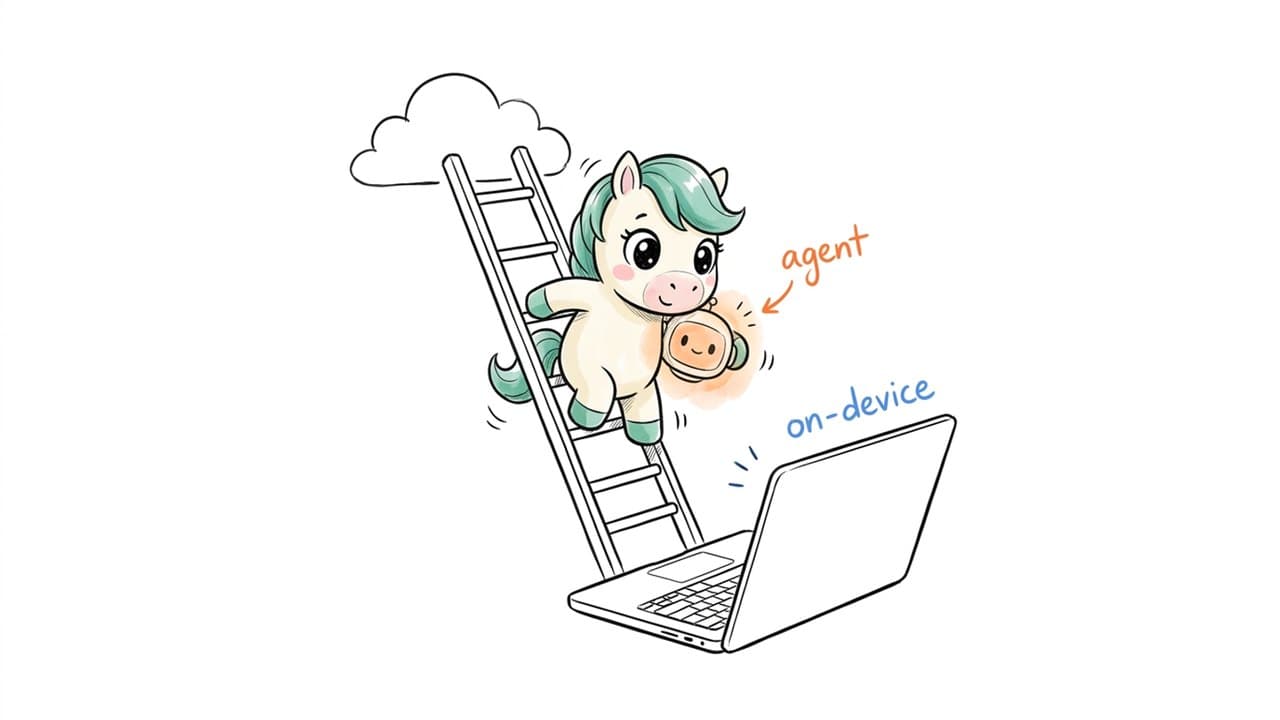
I think three things push the industry this way. First, the hardware got good enough. Perplexity's own post frames it this way: as models and hardware advance, "the machines people already own will take on a larger share of their AI work." You can now buy desktop-class machines with enough memory to run capable models, and that wasn't true for most people a few years ago. Second, trust got expensive. Every new AI tool asks for something: files, an inbox, a key, a face. Each one adds to the list of places your information lives. People are starting to notice how long that list has become. (The recent OpenCode Console incident, where stored API keys were exposed, is one example.) Third, it's a competitive edge now. When a company known for cloud AI search markets a fully local mode, data sovereignty has stopped being a compliance checkbox and become something you sell.
Does sovereign AI apply to AI avatars and creative work too?
This is where I think the conversation needs to go next, and it's the part I care about most. Perplexity's local mode focuses on files and native Mac apps such as Notes, Mail, Messages and Numbers. That's important work. But a growing share of what people make with AI isn't documents. It's identity and creative output: an AI avatar that answers clients, drafts replies or presents on video in your place; a recurring character with a consistent face, voice and personality; scripts, storyboards and visual styles built up over months; raw footage that gets restyled or extended with AI-generated scenes.
These things are more personal than a spreadsheet. An avatar trained on your voice and manner is, in a real sense, a version of you. A client's unreleased product footage is usually covered by an NDA. A signature visual style is your livelihood. If all of that lives only on a platform you don't control, then you're renting your own identity and your own body of work. If the platform changes its terms, its prices or its model, you go along with it or start over.
If your AI avatar can't leave the platform with you, it isn't really yours.
The sovereign AI principle (owned by the user, shared only when the user chooses) has to cover avatars and creative pipelines, not just files.
What does this look like for real people?
These three scenarios are illustrative composites, not real customers. I wrote them to make the tradeoffs concrete.
Scenario 1 (illustrative): a freelance video creator. Mia edits short brand videos for three clients. One sends unreleased product footage under an NDA and wants a stylized version for a teaser. In a cloud-only workflow, she uploads the footage to a generation service and hopes the terms are fine. With a local-first setup, she restyles the footage on her own machine, and the raw clips never leave her drive. She uses the cloud only for a generic B-roll shot that contains nothing confidential.
Scenario 2 (illustrative): a five-person marketing team. The team runs a brand AI avatar that drafts social replies and appears in product explainers. Their concern isn't a single leak. It's that the avatar's look, voice and style guide are spread across four vendor dashboards. If one vendor shuts down, the "brand face" goes with it. A sovereign setup keeps the avatar's identity and assets in one place the team controls, and lets them swap the underlying model without rebuilding the avatar.
Scenario 3 (illustrative): a solo founder handling client contracts. Leo uses AI to review supplier contracts and draft replies to clients. These documents contain prices, penalty clauses and names. He's comfortable using a cloud model to research a market trend. He isn't comfortable sending the contracts themselves. "Local by default, cloud by permission" fits him exactly: the contract analysis stays on his machine, and the market research goes out with his approval.
Notice that none of these people are anti-cloud. They just want to decide, per task, what goes out.
How does KarmaBox approach sovereign AI?
Full disclosure again, since this is my employer. KarmaBox describes itself as a "Sovereign AI Workspace for Your AI Avatar." The idea is that your avatar acts for you, but you govern it. Here's what KarmaBox's site says, in its own terms. Data: "Files, memory, knowledge bases stay on your box or private cloud," and never leave your jurisdiction. Model: "Bring your own model, or run it on local GPUs." Swapping the model doesn't change your avatar. Identity: "Every avatar carries a signed did:wba identity," which anyone can verify against the open spec. Permission boundary: actions like messaging, publishing, spending and deleting need your OK, and the site says this is "enforced server-side, not left to a prompt."
On the creative side, which is where my own work sits: KarmaBox can run video models locally, including video restyling (taking existing footage and redrawing it in a new visual style) and smart generation of new scenes. It offers a range of Sovereign AI avatars, so the identity you build is yours. Cloud or local is entirely your choice, task by task. The local sovereign mode currently focuses on two scenarios: work and video. Work means everyday tasks like the contract and reply examples above. Video means the creative pipeline. It connects the full AI video workflow: script, storyboard, AI-generated scenes and final edit. I want to be clear about scope. KarmaBox isn't trying to replace frontier cloud models for every task. The point is that the switch is yours.
How can you start with local-first AI without overhauling everything?
You don't need to rebuild your setup this weekend. What's worked for the people I talk to is sorting tasks before picking tools. Take a week of your real AI usage and put each task into one of three buckets. Never leaves my machine: client contracts, unreleased footage, financials, anything with other people's faces or personal details, your avatar's source material. Fine for the cloud, with care: drafts that mention clients by name, internal plans, work in progress you'd rather not see in a data breach. Fine for the cloud: public research, generic B-roll, brainstorming that doesn't involve anyone's private information.
Most people find bucket 3 is bigger than they expected and bucket 1 is smaller, but more important. That's good news. You don't need local AI for everything, just for the work that really can't go out. From there, the practical steps are fairly simple. Match bucket 1 to a local option and check its hardware needs honestly before you commit. Keep cloud tools for bucket 3, but give each one its own limited key and a spend cap. For bucket 2, look for tools that ask before sending anything out. That's exactly the "cloud by permission" pattern Perplexity just shipped. Write the buckets down and share them with your team, so "should this go into the AI tool?" has an answer that doesn't depend on who's asking.
You don't need local AI for everything. You need it for the work that can't afford to leave.
Who is local AI not for, at least for now?
A balanced view includes the cases where sovereign, local-first AI is the wrong call today. People on low-memory hardware: local models need a lot of memory. If your laptop has 8 or 16 GB, a cloud-first setup is probably more practical. Check the specific requirements of any tool before you buy hardware for it. Tasks that need the very latest information: a local model only knows what it was trained on plus what you give it. Live research needs the web, which means the cloud. Work that needs the most capable model available: some reasoning and generation tasks still favor the largest cloud models. Teams with no one to own the setup: running models locally means downloads, updates and occasional troubleshooting. Somebody has to care. People who genuinely don't handle sensitive material: if your work is public by nature, the privacy argument is weaker, although the identity and lock-in arguments still apply. If you're in one of these groups, a hybrid approach is a sensible middle ground. You keep the habit of asking where things go, even when the answer is "the cloud, and that's fine."
Frequently asked questions
Q: What is sovereign AI?
Sovereign AI is an approach where the user controls their AI data, models, keys and identity, and uses cloud services by choice rather than by default.
Q: Does Perplexity Computer work completely offline now?
A: According to Perplexity, the local mode runs the model, harness and task execution on the Mac and can run tasks without an internet connection. Tasks that need current web information, browser use or connected apps can escalate to the cloud if the user authorizes it.
Q: How much memory do I need to run Perplexity Computer locally?
A: Perplexity recommends 36 GB or more for running Computer locally on a supported Apple silicon Mac.
| Question | Short answer |
|---|---|
| Is local AI more private than cloud AI? | Generally yes, since data doesn't have to leave your device. But it also depends on the app's permissions and how your device is secured — local doesn't protect you automatically. |
| Is local AI worse than cloud AI? | Not across the board. Cloud is often stronger for frontier reasoning and live information; local wins on control, offline access and keeping sensitive data in place. Many people end up with a hybrid setup. |
Q: What does KarmaBox add to this?
KarmaBox is a Sovereign AI workspace built around AI avatars. You can run video models locally (including restyling and smart generation), use Sovereign AI avatars, and choose cloud or local per task. Its local mode currently focuses on work and video.
The bottom line
Perplexity going local doesn't mean the cloud is dying. It means the default is moving. As more serious AI work becomes possible on hardware people already own, users will expect to be asked before their data, keys or identity leave the building.
I'd like that expectation to cover avatars and creative work as much as files and email. That's the bet we're making at KarmaBox.
The cloud shouldn't be the default. It should be the exception you approve.